
How We Helped 11scent Manage Hundreds of Products in Bulk with Just a Free Google Sheet
11scent was updating hundreds of Shopify products by hand as its catalog grew. We built a bulk product manager on a free Google Sheet, so the owner can now add, update and delete products in a single click.
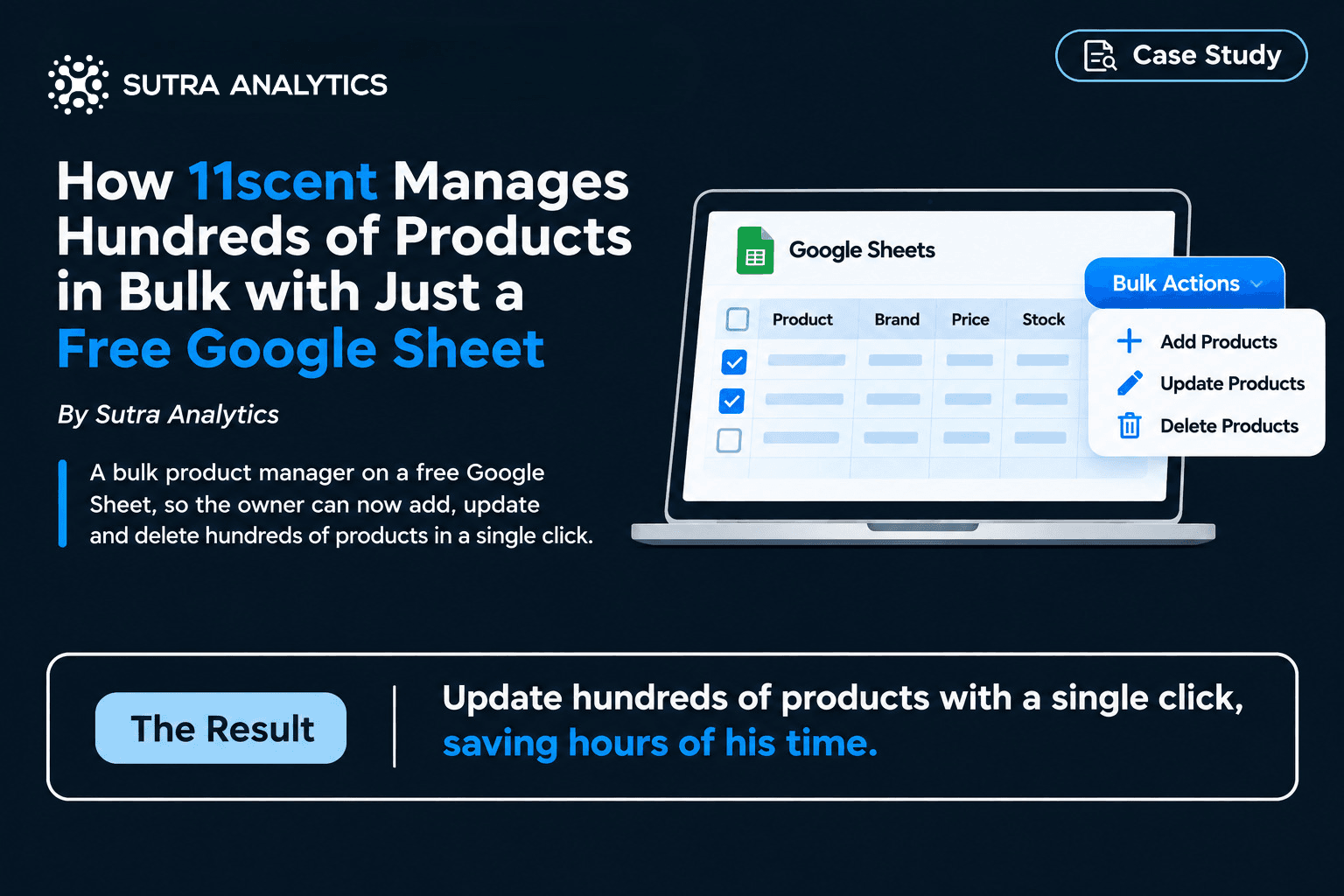
11scent, a Shopify store selling branded perfumes, skincare, haircare and cosmetics, grew faster than its manual inventory process could handle. Sutra Analytics built a bulk product manager on a free Google Sheet, so the owner can now add, update and delete hundreds of products in a single click.
The Client
11scent is a Shopify store owned by Oliver. It sells branded fragrance, skincare, haircare and cosmetic products from many brands, including Gucci, Christian Dior, Versace, Prada, Joop, Hugo Boss, Burberry, Lacoste and more.
The Problem
When the store started, it had only a few products, and Oliver updated his inventory by hand. As the catalog grew with more brands and more products, this took more and more time.
This caused:
- A constant shortage of time and trouble handling other parts of the business.
- Mistakes in product updates.
- Revenue loss.
- No overall view of all products in one place.
What we built:
Oliver could have bought a paid inventory tool. Together we chose a better fit for him: a solution built entirely on Google Sheets, which is free to use. We first pulled all products into the sheet with all their information, then designed a clean, good-looking sheet that is easy to manage. Every product appears in one place, with all its details visible at once.
Bulk Actions from a Custom Menu
- Delete products: tick the products you want to remove, click Delete Products, and they are all deleted in bulk.
- Add products: enter the details of the new products in new rows, tick them, and click Add Products.
- Update products: edit the pricing or any other detail. The checkbox is marked automatically as soon as you edit a product, so you just click Update Products.
The first column of the sheet holds checkboxes. They drive these three bulk actions from the custom menu.
💡 Why Google Sheets instead of a paid tool: A well-designed Google Sheet can handle a growing catalog without recurring software fees. It is fully customised to how Oliver actually works, and every product stays visible in one place.
The Results
The owner can now update hundreds of products with a single click, saving hours of his time. Adding, updating and deleting products is easy, and he finally has a full view of his entire catalog in one sheet.
Benefits
- Time saved: bulk actions replace repetitive manual updates. (Estimated saving: [X hours per week, to be confirmed with the client])
- Fewer mistakes: edits are tracked by checkboxes and applied in one controlled action.
- Zero extra software cost: it runs on free Google Sheets, with no paid inventory tool needed.
- Full catalog visibility: all products and their details are in a single sheet.
- Room to grow: the same approach works as the catalog and the number of brands expand.
Key takeaways
- You do not always need a paid tool to manage a growing catalog; a well-designed Google Sheet can do the job.
- Checkbox-driven bulk actions turn hours of repetitive updates into one click.
- One sheet with every product in view makes catalog decisions faster.
Is your business running on disconnected tools?
Sutra Analytics helps companies automate and connect their operations.