
Automating QuickBooks Invoice Creation from Your Sales Data
Manually creating invoices in QuickBooks is boring and repetitive. Here's how to automate the entire process from your sales data.
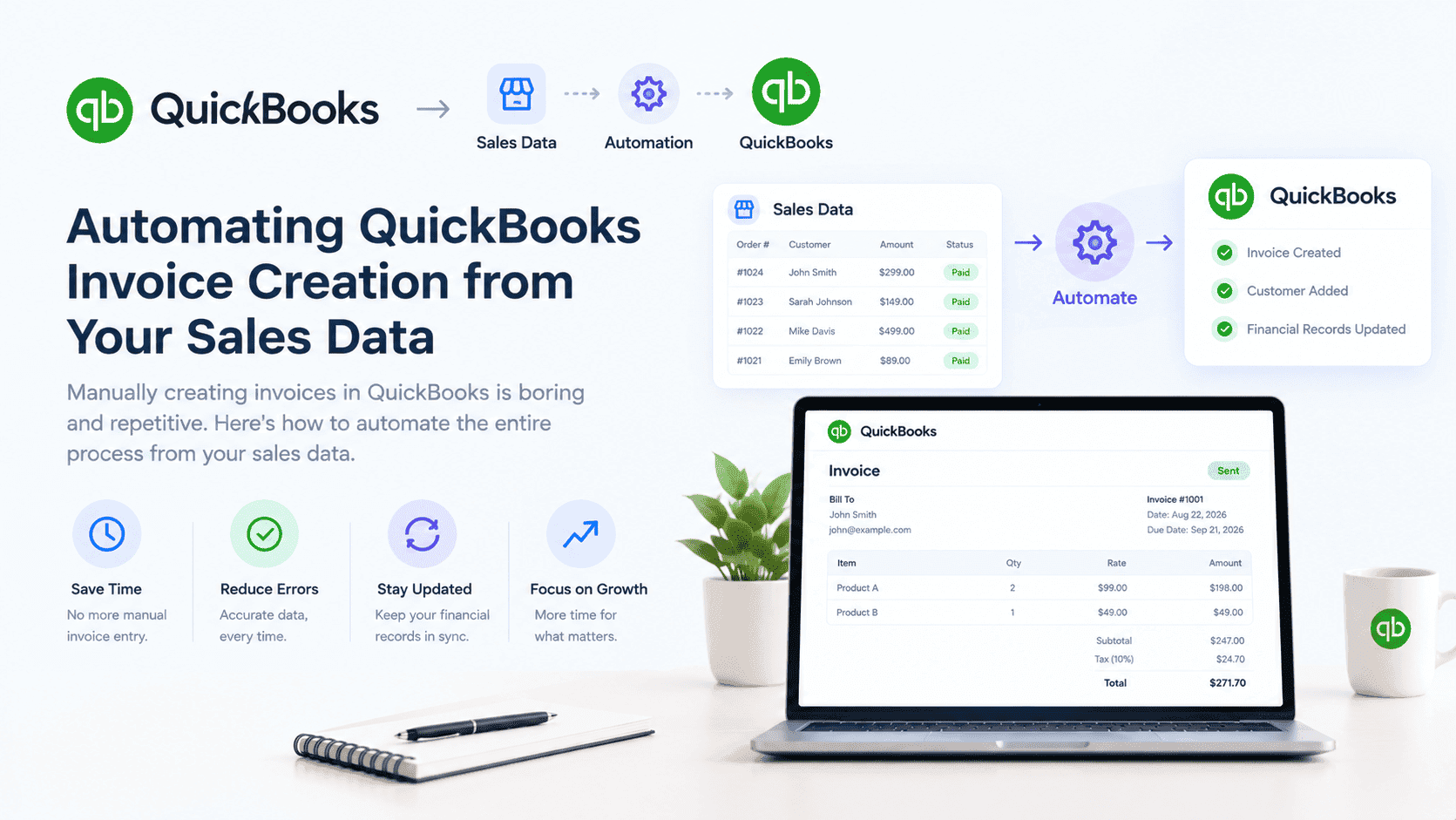
Every sale means an invoice. And every invoice means someone is logging into QuickBooks and creating it manually.
This is one of the most repetitive tasks in finance. And it's completely unnecessary.
When a sale happens in your system, automatically trigger invoice creation in QuickBooks. The invoice is generated with all the right information: customer name, products, quantities, prices, taxes.
At Sutra Analytics, we build custom QuickBooks invoice automation using Google Apps Script and QuickBooks API. We connect your sales system to QuickBooks and automate the entire invoicing process.
The Problem with Manual Invoicing
- Slow: Each invoice takes 2-5 minutes. For 100 orders/day, that's 3-8 hours/week
- Error-prone: Manual entry leads to typos, wrong amounts, and missing information
- Delayed payment: Invoices sent late delay your cash flow
- Inconsistent: Different people follow different processes
- Poor tracking: Hard to know which invoices are paid and pending
What You Can Automate (We Build For You)
- Invoice Generation: Automatically create invoices when an order is placed
- Customer Creation: Add new customers to QuickBooks automatically
- Product Creation: Add new products to QuickBooks automatically
- Invoice Status Updates: Update invoices when orders are fulfilled
- Payment Recording: Record payments automatically
- Invoice Emails: Send invoices to customers via email automatically
- Overdue Notifications: Send reminders for overdue invoices
How We Set Up QuickBooks Invoice Automation
- Option 1 - Zapier: WooCommerce trigger → QuickBooks 'Create Invoice' → Map fields
- Option 2 - n8n: WooCommerce trigger → QuickBooks 'Create Invoice' → Transform data → Self-hosted and cost-effective
- Option 3 - Custom (Our Specialty): Build middleware → Listen for webhooks → QuickBooks API
- Always handle edge cases: Customer doesn't exist, product doesn't exist, partial refunds
Best Practices for Invoice Automation (We Follow)
- Always validate data before sending to QuickBooks
- Log each invoice creation for audit purposes
- Set up error notifications for failed invoice creations
- Test with a sandbox environment before going live
- Have a manual override process for edge cases
You never have to manually create an invoice again. Your financial records are always up to date. And your team can focus on more valuable work.
Need Custom QuickBooks Invoice Automation?
Let Sutra Analytics build you a custom QuickBooks invoice automation solution. We connect your sales system to QuickBooks and automate the entire process. Contact us today for a consultation.
— Sutra Analytics Team