
Syncing QuickBooks with Google Sheets for Real-Time Financial Reporting
Stop exporting QuickBooks reports manually. Here's how to sync QuickBooks with Google Sheets and get real-time financial reporting.
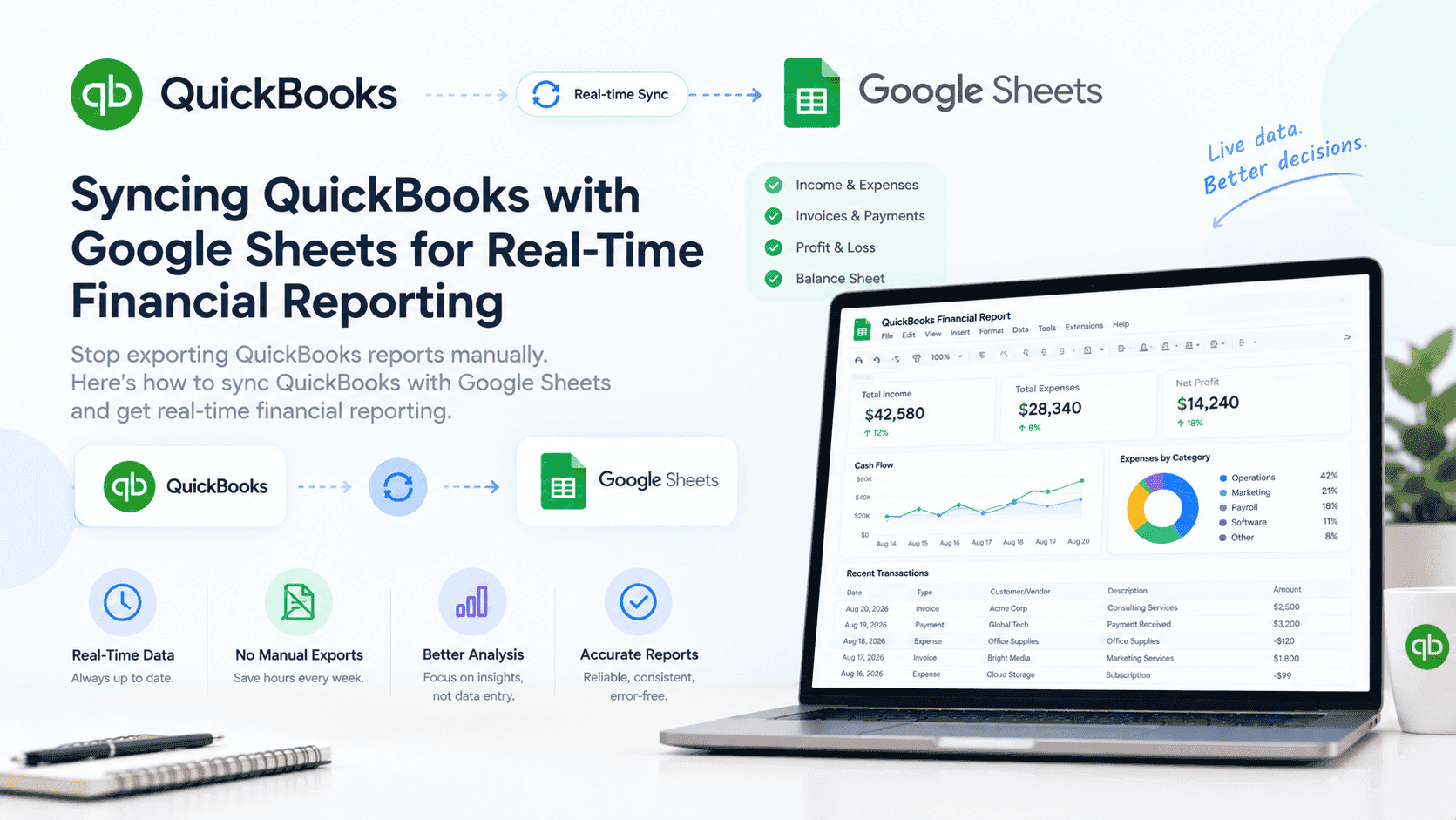
Financial reporting is critical for any business. But if you're manually exporting reports from QuickBooks to analyze them in Google Sheets, you're doing it the hard way.
There's a simpler approach: automatically sync QuickBooks data to Google Sheets. Your financial data flows into Google Sheets, refreshable on any schedule.
No more manual exports. No more outdated data. No more emailing CSVs back and forth. And because Google Sheets is free, reliable, secure, and cloud-based, it's the perfect mediator for your financial data — a central place where numbers from QuickBooks land, get organized, and become ready for analysis.
At Sutra Analytics, we build custom QuickBooks to Google Sheets sync solutions using Google Apps Script. We connect your QuickBooks account to Google Sheets and keep your financial data up to date automatically. Google Sheets becomes the single source of truth for your financial reporting — accessible from anywhere, by anyone you authorize, at any time.
And if your business grows to need more advanced controls, Google Workspace is affordable and provides additional security, storage, and administrative features — so you never outgrow your setup.
What You Can Sync (We Build For You)
- Profit & Loss Statement: Monthly or quarterly income and expenses
- Balance Sheet: Assets, liabilities, and equity
- Cash Flow Statement: Cash inflows and outflows
- Sales Data: Revenue by product, customer, or region
- Expense Data: Expenses by category or department
- Invoice Data: Invoices created, paid, and overdue
- Customer Data: Customer activity and payment history
- Tax Data: Tax liabilities and payments
How We Set Up QuickBooks to Google Sheets Sync
- QuickBooks API + Google Apps Script (Our Specialty): We pull data directly from QuickBooks using its API and write it into Google Sheets with Apps Script — fully custom, no third-party tools needed. Google Sheets acts as the mediator, holding your data in a format your team already knows how to use.
- n8n Automation: We build self-hosted n8n workflows that connect QuickBooks to Google Sheets — cost-effective, flexible, and runs on your own infrastructure. The data lands in Google Sheets, ready for dashboards and reports.
- Custom API Integration: For complex reporting needs, we build middleware that pulls from QuickBooks API, transforms the data, and pushes it into Google Sheets on a schedule you control.
Building a Financial Dashboard in Google Sheets (We Build For You)
- Summary Section: Key metrics (revenue, profit, cash balance)
- Trend Charts: Revenue and profit over time
- Breakdown Charts: Revenue by product, customer, or region
- Comparison Charts: Actual vs. budget, current year vs. last year
- Tables: Detailed financial data for analysis
- Conditional Formatting: Highlight important numbers
QuickBooks Data to Track Monthly
- Revenue: Total revenue vs. target
- Gross Profit Margin: Revenue minus cost of goods sold
- Operating Expenses: Fixed and variable expenses
- Net Profit: Bottom line profitability
- Accounts Receivable: Money owed to you
- Accounts Payable: Money you owe
- Cash Balance: Cash on hand
- Cash Flow Forecast: Projected cash position
Best Practices for Financial Data Sync (We Follow)
- Keep data refresh times in mind (daily is usually sufficient for finance)
- Set up data validation to catch anomalies
- Back up your Google Sheets data regularly
- Control access: Only relevant team members should see financial data
- Document your data sources and refresh schedule
Your financial reporting becomes real-time. You always have the latest numbers. And you can spend your time analyzing the data instead of moving it. Google Sheets makes this possible because it's free, reliable, secure, and cloud-based — a mediator that works for almost every use case. And if you ever need to upgrade, Google Workspace is affordable and gives you even more power.
Need Custom QuickBooks to Google Sheets Sync?
Let Sutra Analytics build you a custom QuickBooks to Google Sheets sync solution. We use Google Apps Script to keep your financial data up to date automatically. Contact us today for a consultation.
— Sutra Analytics Team