Modern businesses rely heavily on repetitive administrative tasks—updating sheets, sending emails, managing inventory, syncing data, generating reports, and more. While these tasks are important, they take valuable time away from strategic work.
This is where Google Apps Script becomes a powerful automation tool. It helps businesses eliminate manual work, reduce errors, and create smooth, efficient workflows using tools they already use every day—Google Sheets, Gmail, Drive, Forms, and Calendar.
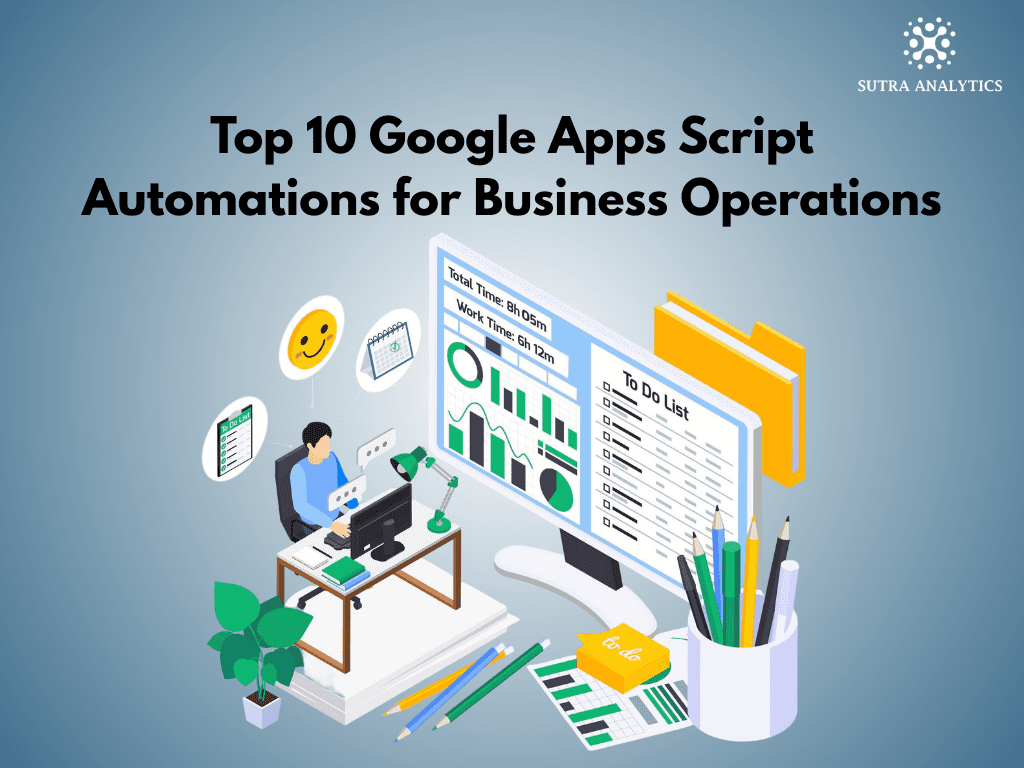
At Sutra Analytics, we help companies automate their daily operations using custom Apps Script solutions tailored to their business needs. Here are the Top 10 Google Apps Script Automations that can significantly streamline your operations.
1. Automated Email Alerts Based on Sheet Changes
Manually checking spreadsheets for updates is inefficient. Apps Script can automatically send email alerts when:
- A new row is added
- A value crosses a threshold
- Inventory drops below minimum
- Payment status changes
- A task is overdue
Where businesses use it:
- Inventory monitoring
- Payment follow-up reminders
- HR announcements
- Project timelines
This keeps your team instantly informed without monitoring the sheet manually.
2. Auto-Generating Reports (Daily, Weekly, Monthly)
Apps Script can collect data, analyze it, format it, and email a professional report automatically.
Examples:
- Daily sales report
- Weekly performance dashboard
- Monthly expense summary
- Client activity report
This removes hours of manual reporting work every week.
3. Syncing Multiple Google Sheets Automatically
Many businesses store related data in separate spreadsheets. Apps Script can seamlessly sync:
- Master inventory sheet ↔ warehouse sheets
- Sales sheet ↔ payment sheet
- CRM sheet ↔ marketing sheet
This ensures every sheet always stays updated—no manual copying.
4. Auto-Updating Google Drive Folders Based on Data
Apps Script can create folders, rename them, move files, and organize documents based on sheet entries.
Common use cases:
- Create folders for new clients
- Auto-upload invoice PDFs
- Organize employee documents
- Categorize files based on project names
Your Google Drive becomes fully automated.
5. Form Response Processing & Data Cleaning
Google Forms often produce raw data that requires formatting. Apps Script can:
- Clean and normalize data
- Remove duplicates
- Identify invalid entries
- Apply formatting rules
- Send confirmation emails
This makes your form responses ready for analysis instantly.
6. Auto-Generating Invoices & PDFs From Google Sheets
Using Apps Script, businesses can generate:
- Invoices
- Quotations
- Certificates
- Attendance reports
- Shipping labels
Fully automated as PDFs and emailed to clients instantly.
Typical flow:
- User enters data in a sheet
- Script fills a template
- Creates a PDF
- Emails it automatically
This saves companies significant time, especially in billing-heavy industries.
7. CRM Automation Inside Google Sheets
Apps Script can turn any spreadsheet into a powerful CRM system.
Automations include:
- Lead assignment
- Follow-up reminder emails
- Status updates
- Deal stage tracking
- Auto-notifications for stale leads
Perfect for small and mid-sized businesses needing CRM features without buying expensive tools.
8. Connecting Google Sheets With External APIs
Apps Script can integrate Sheets with platforms like:
- Shopify
- WooCommerce
- QuickBooks
- Notion
- Slack
- Payment gateways
- Marketing tools
Business uses:
- Pull orders automatically
- Fetch customer details
- Send data to CRM
- Update inventory in real time
This turns Sheets into a central data hub for your operations.
9. Automating Project Management Tasks
Apps Script can help manage tasks and team workflows by:
- Creating tasks automatically
- Sending deadline reminders
- Tracking project progress
- Updating task statuses
- Assigning responsibilities
This keeps your operations running without manual intervention.
10. Automating HR & Employee Operations
HR teams benefit massively from Apps Script automation.
Common automations:
- Auto-generate payslips
- Track attendance
- Send onboarding documents
- Maintain leave balances
- Notify managers of approvals
- Organize employee records
This reduces back-and-forth communication and paperwork.
Why Businesses Trust Sutra Analytics for Apps Script Automation
At Sutra Analytics, we don’t just write scripts—we build business automation systems that eliminate manual work and save hours every week.
We help companies with:
- Custom automation scripts
- Google Sheets dashboards
- Inventory & order management systems
- CRM systems using Sheets
- Automated reporting workflows
- Third-party integrations (Shopify, WooCommerce, APIs)
- Maintenance & long-term support
Every script is built to fit your exact workflow—no generic templates.
Conclusion
Google Apps Script is one of the most powerful tools for automating business operations. Whether you want to automate emails, reports, inventory, forms, invoices, or external integrations—Apps Script can streamline everything.
If your business wants to save time, reduce errors, and become fully automated, Sutra Analytics can help you build the perfect solution.